3 White-Label Rank Trackers for Agencies: Reports, Client Access and Real Costs (2026)
A report with your logo can still feel like somebody else’s product.
The PDF may be branded, but the email comes from the vendor. The live link uses another company’s domain. A client opens the report on their phone and sees information that was not meant for them.
That is why choosing a white-label rank tracker requires more than checking whether you can upload a logo.
You are choosing how clients receive data, how much they can access and how confidently your agency can explain the results. This comparison looks at three established options – ProRankTracker, SE Ranking and Semrush – through those practical questions.
Product details were checked against first-party documentation in October 2026. The comparison is based on documented capabilities, not a claim that every feature was independently tested.
What White-Label Rank Tracking Should Mean
White labeling lets an agency present a provider’s reporting under its own brand. The underlying ranking data still comes from that provider.
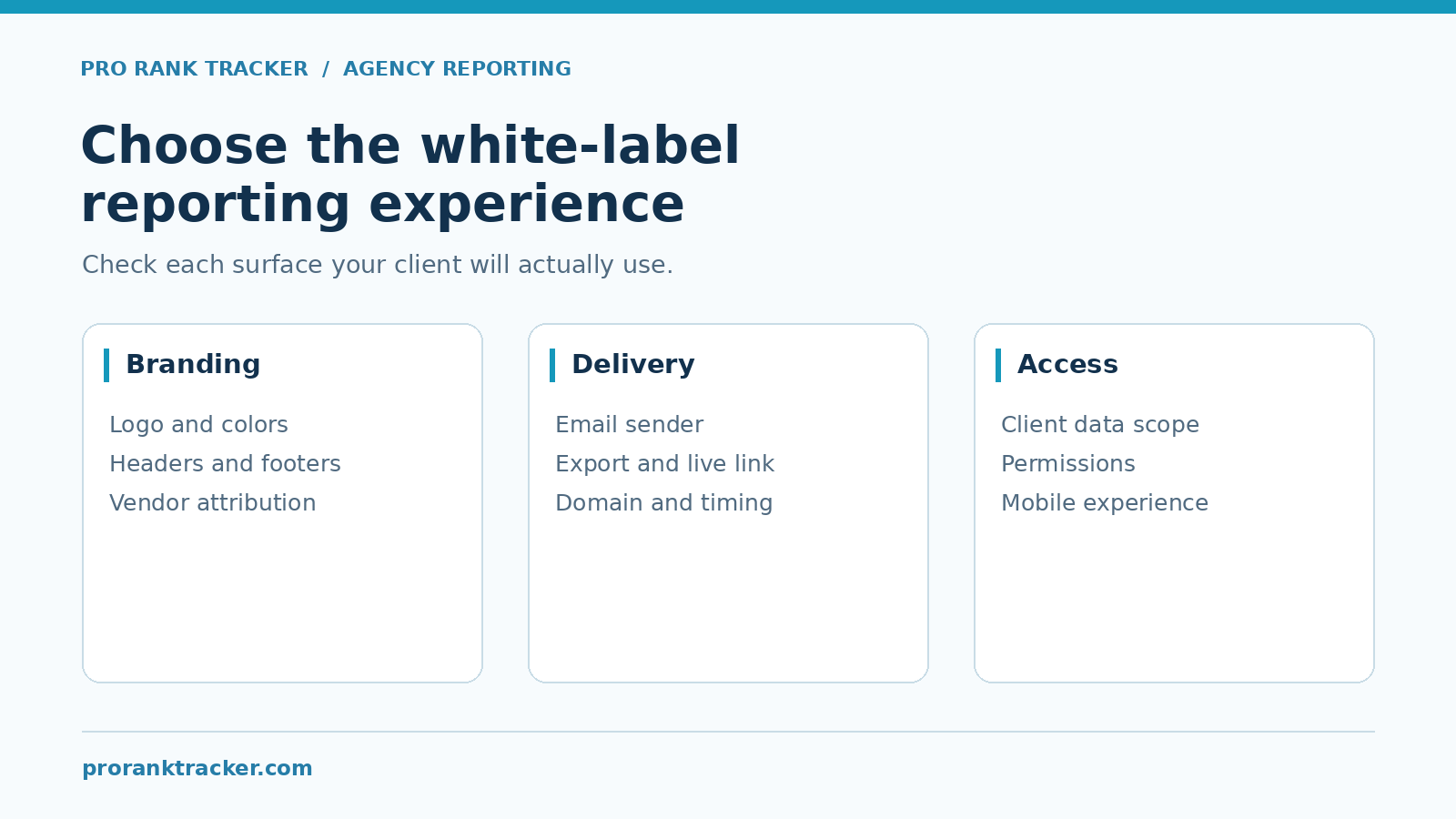
Different products apply branding to different surfaces. Before buying, separate these requirements:
| Surface | What to check |
|---|---|
| PDF or other exported report | Logo, colors, cover page, labels and vendor attribution |
| Scheduled email | Sender identity, recipients, timing and message customization |
| Live report link | Branding, domain, scope and access requirements |
| Client access | Which websites, keywords and views the client can see |
| Mobile experience | Whether the report is usable on a phone and how an app is branded |
| Combined reporting | Which ranking, analytics and AI fields can actually be included |
A custom-domain live report is different from a white-labeled login to the whole platform. A branded client app is different from an app published under your agency’s name.
Describe the feature your client will use. That makes the buying decision clearer and prevents an awkward surprise after onboarding.
The Three Options at a Glance
| Tool | Main fit | Important buying question |
|---|---|---|
| ProRankTracker | Dedicated rank tracking with unlimited branded reports, custom templates, shared reporting and client-app options | Which plan covers the users, integrations and delivery route you need? |
| SE Ranking | A broader SEO toolkit with agency-facing branding and access features | What does the base subscription plus the required Agency Pack cover? |
| Semrush | Reporting across ranking and wider marketing sources | How many Pro reports are required, and what is the combined toolkit/report cost? |
These are workflow fits, not a universal league table. Start with a client deliverable you actually need, then ask each vendor to demonstrate that deliverable.
1. ProRankTracker: Dedicated Tracking and Client Reporting
ProRankTracker is worth considering when recurring ranking data is the foundation of the account and client reporting is part of the daily workflow.
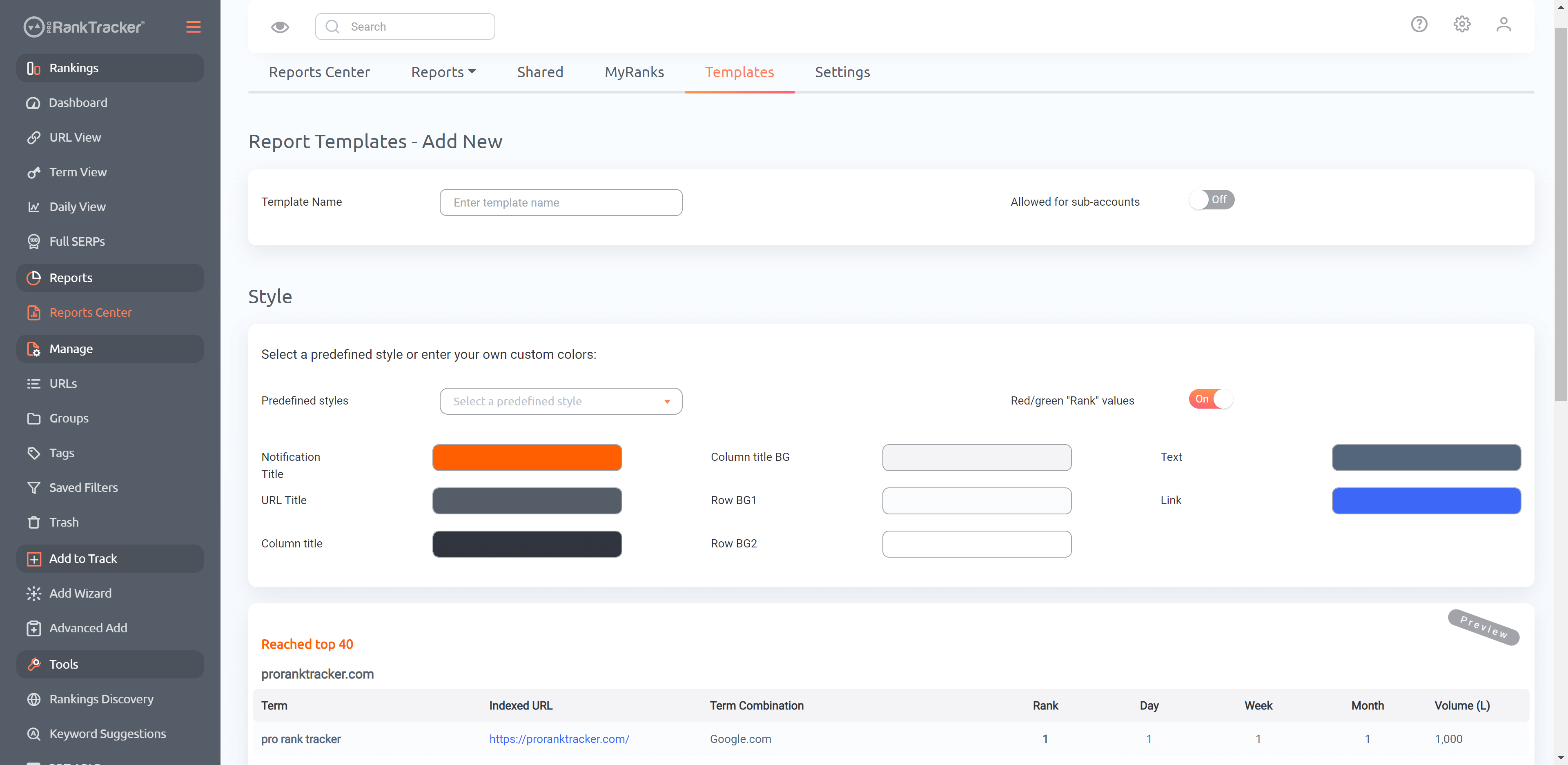
Its reporting documentation describes branded templates, scheduled reports, shared live reports and MyRanks client access. Shared reporting can use branding and a custom domain, with optional password and expiration controls.
The current plan page separates provisions for Looker Studio, MyRanks, users and API access. It currently describes a 7-day trial. Choose the tier around the client access, users and integrations you will actually need.
For AI reporting, PRT’s Looker Studio guide documents AI View and AI Visibility report options. Confirm the fields and report type you intend to use rather than promising every screen can be reproduced automatically.
What to verify: the selected plan, client scope, branding surfaces, delivery format and permissions. The product’s wider reporting options do not imply that every option exists on every tier.
If you already know that PRT fits, the white-label SEO report guide covers the setup workflow. This article focuses on choosing the right tool and package.
2. SE Ranking: Agency Branding Within a Broader Toolkit
SE Ranking suits a team that also wants research, audits and other SEO work in the same account.
Its white-label documentation describes agency branding and client-facing use. Its current subscription page lists an Agency Pack separately from the core plans, including white-label and client-facing capabilities.
That distinction matters. A base subscription and an agency-ready configuration are not automatically the same purchase.
Think through the number of projects, manager seats, client seats and report requirements you need. Then obtain the applicable terms for the combined setup, including the Agency Pack’s billing commitment.
What to verify: the branding scope, client access controls, project allowances and total subscription cost. Do not rely on a years-old screenshot of the former tier names.
3. Semrush: Cross-Source Reports With Separately Priced Tiers
Semrush is a candidate when your agency uses its wider toolkits and wants to assemble ranking information with other marketing data.
The current My Reports documentation distinguishes Base and Pro reports. Pro adds branding and white-labeling; the published price is $20 monthly per purchased Pro report. Required toolkit subscriptions should be considered separately.
Its Agency Growth Kit transition documentation explains that the former bundle was discontinued. Comparisons based on that old bundle need updating.
Per-report pricing changes the question from “How much is the tracker?” to “How much is the toolkit plus the set of branded deliverables we need?”
What to verify: report count, source integrations, client sharing, branding and total cost. Confirm what constitutes one report and whether your clients’ separate deliverables require separate purchases.
Compare the Cost of Your Real Client Book
Imagine an agency with eight clients. Each needs one monthly branded summary, a live view and access only to their own website.
That is not the same requirement as one internal dashboard shared with eight employees.
Build a simple quote worksheet:
| Cost or limit | What to enter |
|---|---|
| Ranking subscription | The tier covering the required keyword/location/device setup |
| Branding or agency add-on | Any package required for the specified white-label surfaces |
| Reports | The number of separately billed deliverables, if applicable |
| Access | Manager users and client seats, with relevant permissions |
| Integrations | The actual source fields and access level required |
| Billing terms | Currency, monthly versus annual commitment, tax and renewal terms |
Ask each vendor to price that same worksheet. Keep currencies and billing periods explicit; do not compare an annual equivalent in euros with a monthly dollar quote as if they were the same number.
Also include the time your team spends assembling the reports. That time has value, but estimate it from your own workflow rather than claiming a tool will save an arbitrary number of hours.
The Trial That Actually Tests White Labeling
Uploading a logo is the beginning of the evaluation, not the end.
Use a representative client and run the report through the route that client would use:
- Build the deliverable. Include the right dates, devices and markets.
- Check its data scope. Make sure other clients’ information is not visible.
- Preview the branding. Inspect the export, email and link separately.
- Open it as a recipient. Check whether login or another access step is required.
- Use a phone. Confirm that key numbers and explanations remain readable.
- Check delivery settings. Verify recipients and cadence before activating a schedule.
- Inspect the explanation. Make sure the client can distinguish rankings, traffic and business events.
Keep a record of what was tested. A vendor’s list of supported features is useful, but the deliverable in your client’s hands is the relevant result.
What to Put in the Client Report
A good branded report still needs a good story.
Lead with the question the client cares about: which services or markets improved, where the important gaps are and what the agency will do next.
Then give enough scope to interpret the data:
- The period and comparison period
- The keywords, locations and devices included
- Relevant ranking changes and affected landing pages
- Acquisition evidence such as search clicks or landing sessions
- Verified business outcomes, shown separately
- One or two actions with an owner and review date
For example: “The Manchester service page improved on mobile for two priority searches. Inquiry volume is still small, so we will keep watching the same sample and review the page’s contact path.”
That tells the client more than a cover page followed by twenty charts.
Adding AI Visibility Without Confusing the Report
AI appearances need their own labels. A brand Mention, a cited site Link and an organic position are different observations.
Use a small AI section when it supports the client’s goal. Identify the prompts, platforms and markets being tracked; show the two signals separately and give one dated example.
Do not relabel an AI citation as referral traffic or a signup. Measured visits and completed business events belong in a separate outcomes section.
Our AI Mentions vs. AI Links guide explains the distinction. The best choice of reporting tool is the one that can communicate it clearly in the actual report you plan to send.
Common Buying Mistakes
- Choosing from the cheapest tier. The branding capability you need may require a different tier or package.
- Assuming all white-label surfaces are included. Verify exports, email, links, platform access and apps separately.
- Ignoring client permissions. A polished design does not fix an overly broad data scope.
- Comparing different workloads. Keep clients, tracked combinations, report count and update cadence consistent.
- Promising perfect accuracy. Explain what is measured and how discrepancies are investigated.
- Using old screenshots as current instructions. Recheck the interface before handing the workflow to a new client.
Frequently Asked Questions
Does a white-label tracker hide every vendor reference?
Not necessarily. Ask about each surface the client uses, including email, exports, domains and access screens.
Is a branded app the same as my agency’s own app?
No. Confirm exactly where your branding appears and which company publishes and maintains the app.
Which option is best for a small agency?
The one that covers your real client book at a sustainable total cost. Build the same client-delivery brief for all vendors before choosing.
Should I include every available metric?
No. Include the metrics that answer the client’s questions, with enough scope and explanation to support the next decision.
Choose the Reporting Experience, Not Just the Logo
Your brand belongs on the report. Your judgment belongs in it too.
Explore ProRankTracker’s reporting options, then test the plan and delivery route that suit your clients. The right white-label setup makes the evidence understandable as well as presentable.